The card editor
The editor is built on the components of Home Assistant, like the editors of the built-in cards: the same fields, entity pickers, toggles and menus, in the light and dark themes. It needs Home Assistant 2024.1 or newer; on an older one it says so, and the card can still be set up in the code editor (YAML).
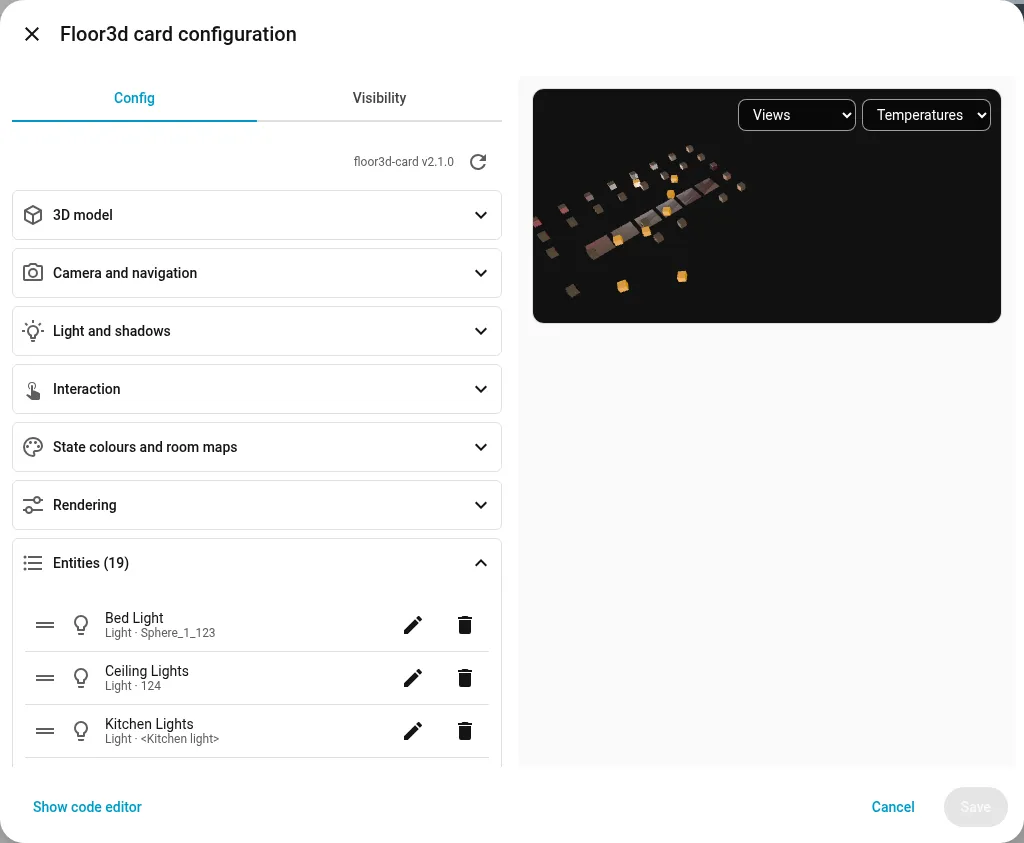
Settings in sections, then the lists of entities, object groups and views.
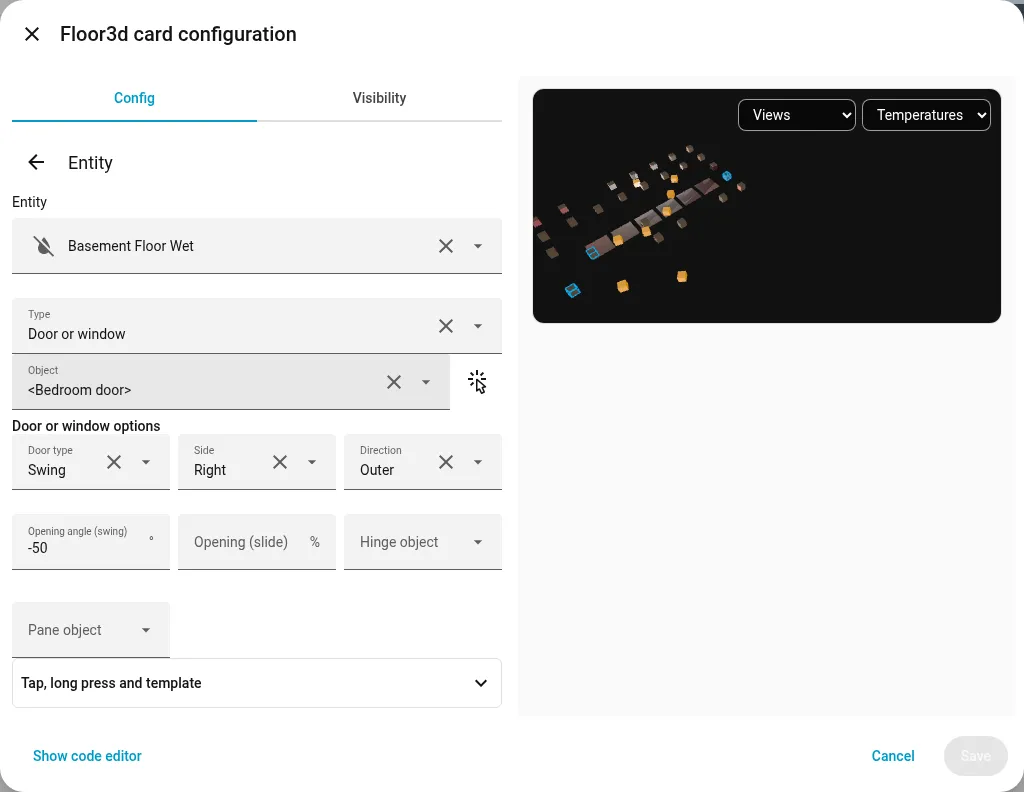
Editing an entity: its objects are highlighted in the preview.
Settings
Section titled “Settings”The settings of the card are in sections: 3D model, camera and navigation, light and shadows, boxes, cameras of the house, markers, interaction (with the overlay), state colours and room maps (with the rooms), wall tablet, rendering. The yes/no options are toggles, and the help text of each field gives the value used when it is empty. An option left out of the YAML because it has its default shows that value in its field.
The version of the card is at the top of the editor, next to the buttons of the preview: refresh, which loads the preview again, and pause.
Entities, object groups, views (zoom areas), rooms and colour conditions are lists: one line per item, dragged to change the order, with a pencil to edit it. An entity shows its type and its object, and a warning when the entity doesn’t exist in Home Assistant, or when its object isn’t in the model (after exporting the model again, for example).
While an item is edited, or the mouse is over its line, its objects are outlined in the preview, groups included.
Editing an item
Section titled “Editing an item”An item opens its own page. An entity has the entity picker of Home Assistant, its type, its object, then only the options of that type: changing the type takes away the options of the old one. The tap and long press actions and the template are in a closed panel.
The object menus list the object groups and all the objects of the model, with a search; any other name can be typed too, * included (see Objects and groups). The button next to an object field picks it with a tap in the preview.
In a view, Use the current view copies the position, target and rotation of the camera of the preview, after it has been moved there with the mouse or the fingers.
Languages
Section titled “Languages”The editor speaks the language of the profile of each user in Home Assistant: English, Italian and German (the card also Norwegian). The language option, in the 3D model section, sets one for the card and its editor, whatever the profile.