Room colours and maps
Open doors and windows
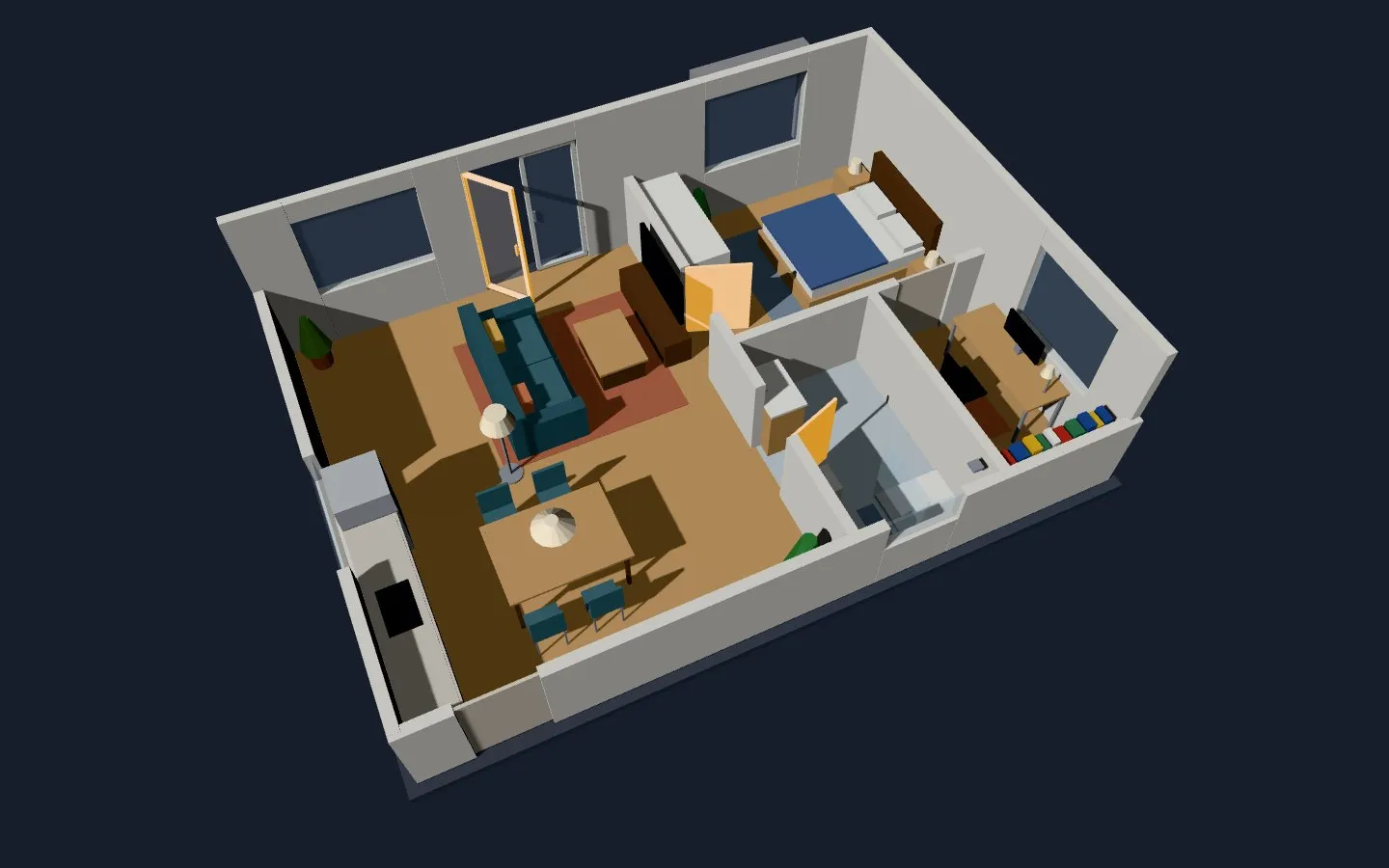
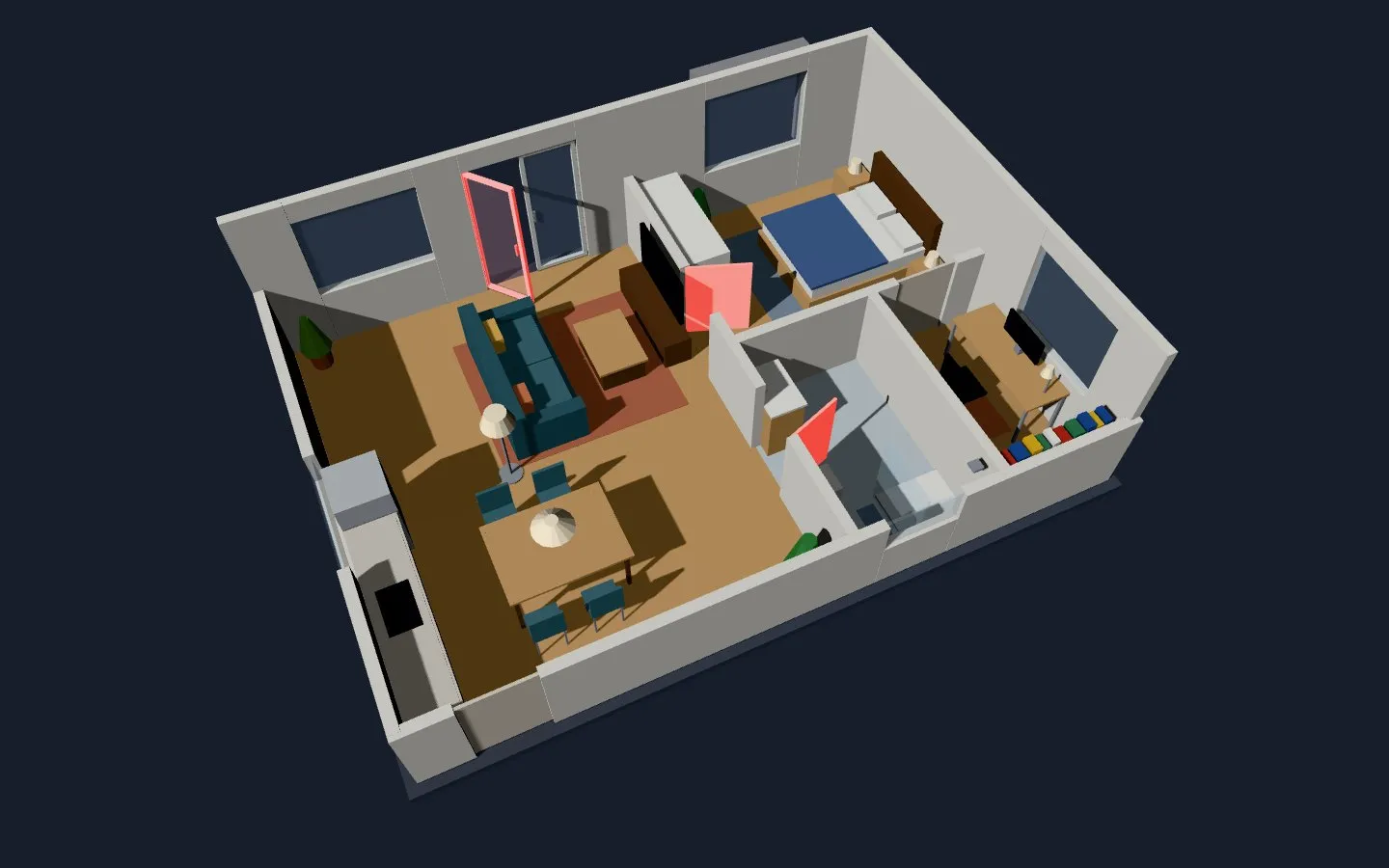
Section titled “Open doors and windows”state_colors: yes lights up the open doors and windows in amber (open_color). With alarm_entity armed they turn red (alarm_color), and they blink when the alarm is triggered.
 |
 |
|---|---|
Open doors and windows in amber (state_colors: yes) |
Alarm armed: the open ones turn red |
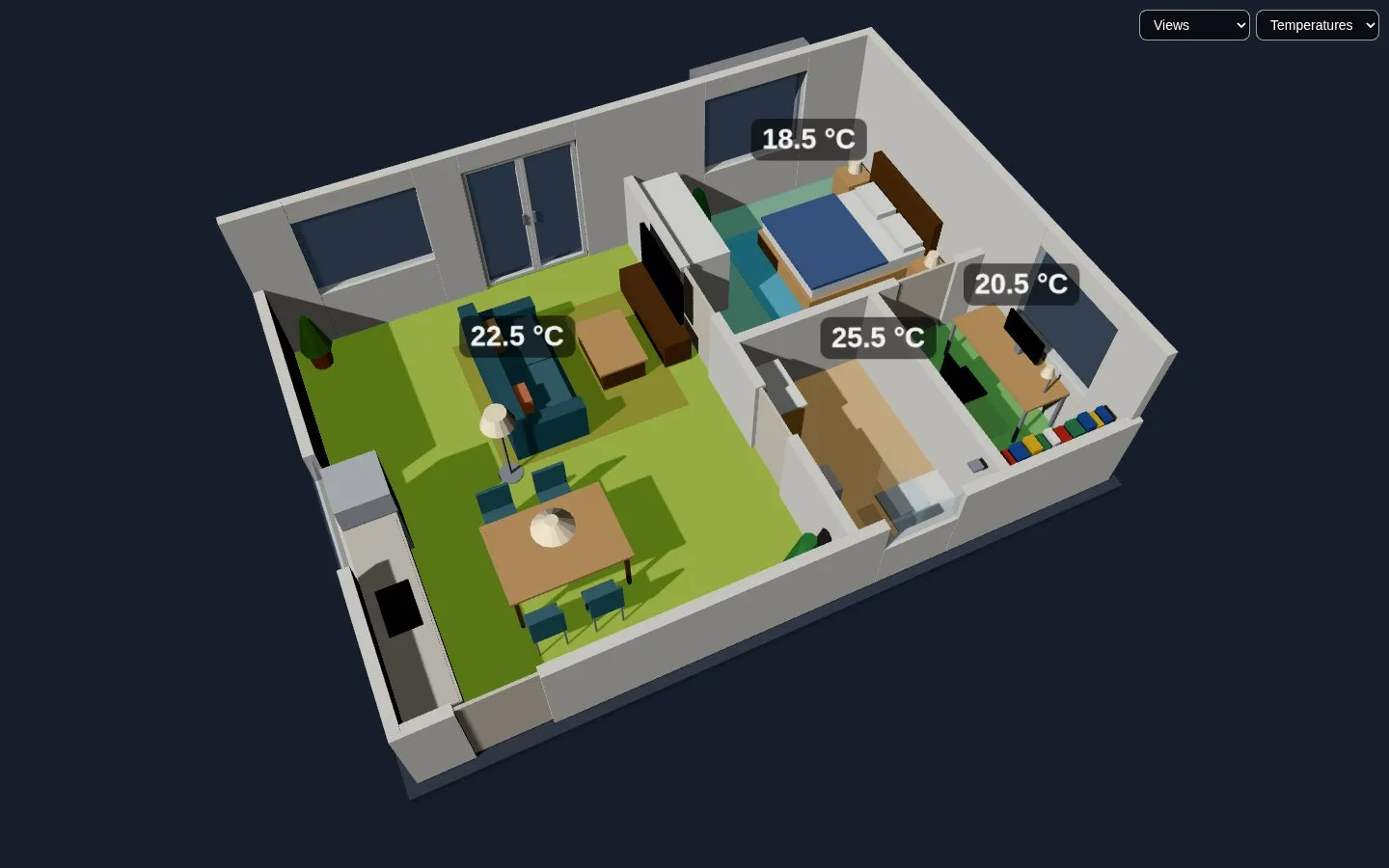
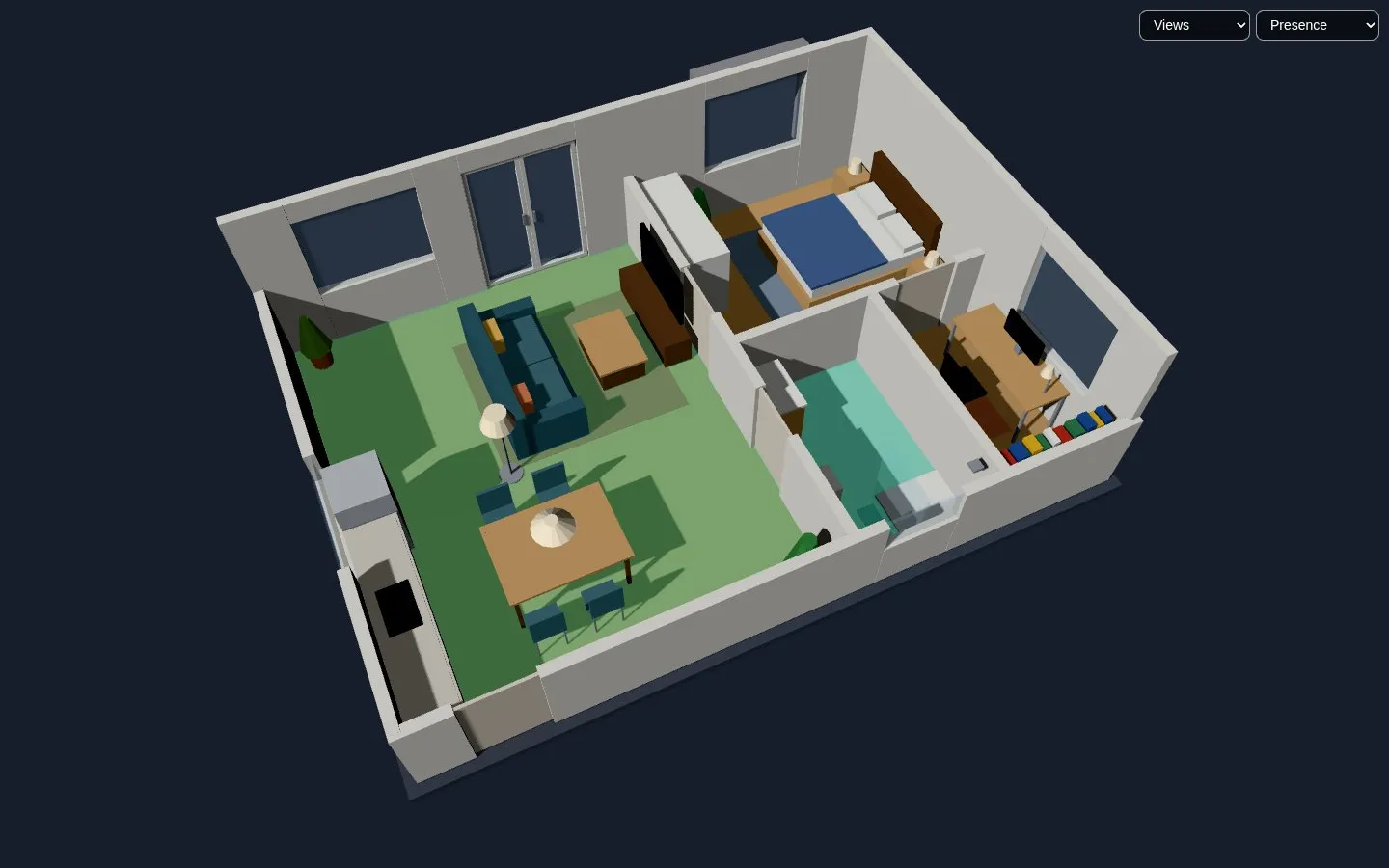
rooms lists the rooms of the house, each with its floor in the model and its sensors. The card lays a transparent copy of the floor over it, coloured by the map chosen in the Map menu next to Views, with the value written on it and a legend under the menu.
state_colors: 'yes'alarm_entity: alarm_control_panel.home_alarmroom_colors: temperaturerooms: - name: Bedroom object_id: room_1_101 # the floor in the model (or a <group>) temperature: sensor.bedroom_temperature presence: binary_sensor.bedroom_occupancy - name: Living room object_id: room_2_102 temperature: sensor.living_room_temperature illuminance: sensor.living_room_illuminance presence: [binary_sensor.living_room_occupancy, binary_sensor.kitchen_occupancy]- Temperature: blue to red between
temperature_minandtemperature_max(17 and 27). With a thermostat (climateof the room) the label shows its target too, and a room without a sensor shows the temperature the thermostat measures. - Presence: the rooms with someone in them, in
presence_color. - Illuminance: dark blue at
illuminance_minlux (5) to yellow atilluminance_max(1000), on a logarithmic scale, as the eye sees light.
room_colors is the map when the card opens (none, temperature, presence, illuminance or the key of a sensor map), and hideMapMenu: yes hides the menu and its legend, leaving that map. A map is in the menu once a room has its sensor.
 |
 |
|---|---|
| Room map by temperature, chosen in the Map menu | Room map by presence |
Sensor maps
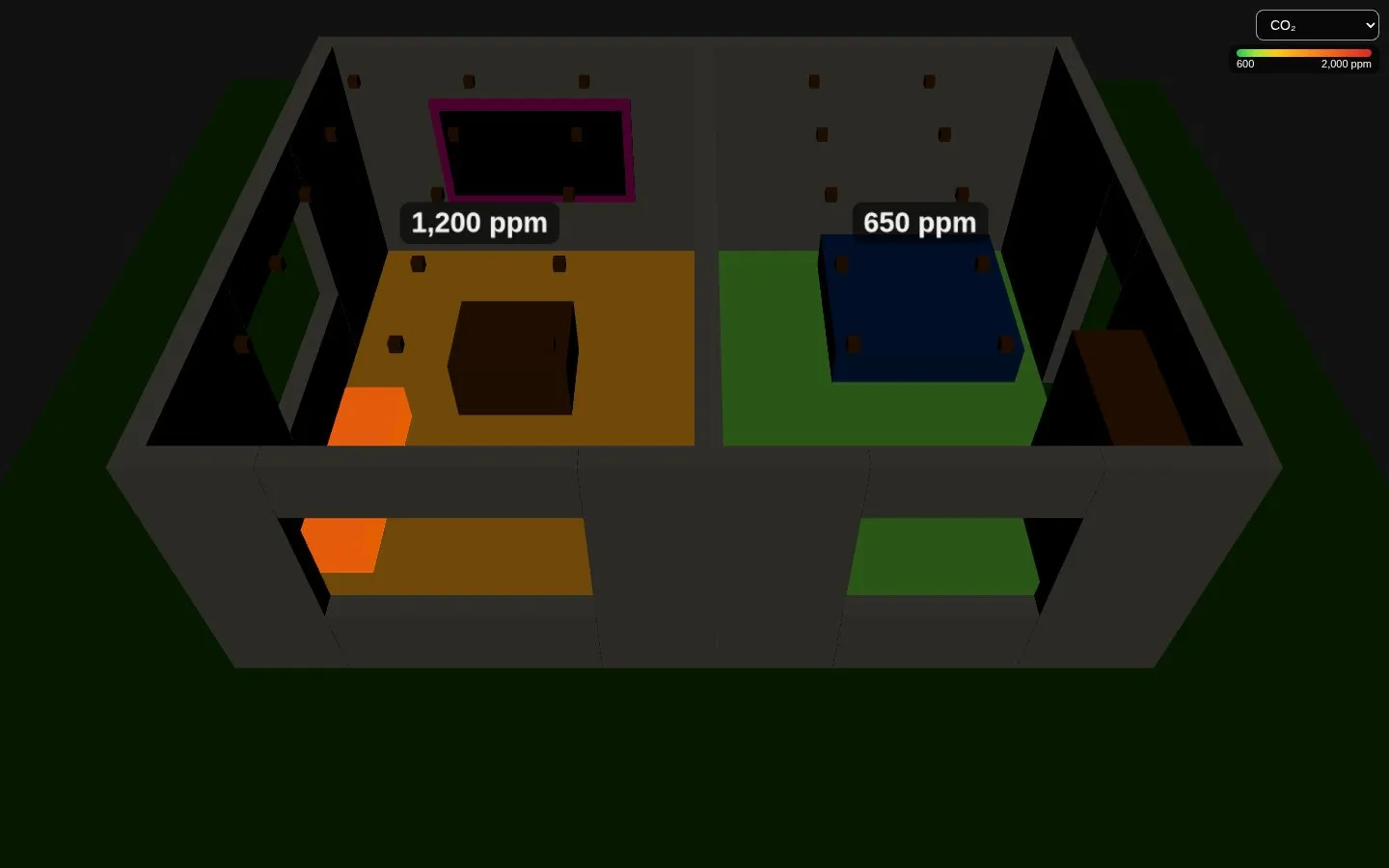
Section titled “Sensor maps”A room can have more sensors, one per map. The colours go from good (green) to bad (red), with the thresholds of the WHO and of the European guidelines for indoor air:
| Key | Map | Green → red | Units read |
|---|---|---|---|
humidity |
Humidity | orange below 40 %, green 40–60 %, blue above 60 % | % |
co2 |
CO₂ | 600 → 1000 (yellow) → 2000 ppm | ppm |
pm25 |
PM2.5 | 5 → 15 (yellow) → 75 µg/m³, purple at 150 | µg/m³, mg/m³ |
pm10 |
PM10 | 15 → 45 (yellow) → 150 µg/m³, purple at 300 | µg/m³, mg/m³ |
voc |
VOC | 200 → 500 (yellow) → 3000 µg/m³; an index without unit: 100 → 150 → 400 | µg/m³, mg/m³, ppb, ppm, index |
hcho |
Formaldehyde | 30 → 60 (yellow) → 200 µg/m³ | µg/m³, mg/m³, ppb, ppm |
radon |
Radon | 50 → 100 (yellow) → 300 Bq/m³ | Bq/m³, pCi/L |
noise |
Noise | 35 → 50 (yellow) → 80 dB (the loudest sensor of the room) | dB |
power |
Power | 0 → 1000 (yellow) → 3000 W (the plugs of the room added up) | W, kW |
A sensor in another unit of the same quantity is converted. Several sensors of a room are averaged; power adds them up, noise takes the loudest. A sensor unavailable or not numeric doesn’t count, and a room without readings isn’t coloured.
rooms: - name: Living room object_id: room_2_102 co2: sensor.living_co2 humidity: sensor.living_humidity power: [sensor.tv_plug_power, sensor.pc_plug_power]maps: # optional: other colours, or maps of other sensors - key: co2 min: 400 # the colours of the ready map, between 400 and 1400 max: 1400 - key: fridge # a new map: rooms get a "fridge" sensor name: Fridge unit: °C min: 2 max: 8 colors: ['#3b82f6', '#22c55e', '#ef4444']In maps, min and max move the colours of a ready map between them, colors spreads new colours from the lowest value to the highest, stops gives them one by one ([[400, '#22c55e'], [1000, '#facc15']]), aggregate is mean, sum or max, and decimals those of the label. Only the sensors of the map on show redraw the card.