Walls
walls (since 2.13.2) handles the walls in the way of the view. It is in the card editor, next to the ground.
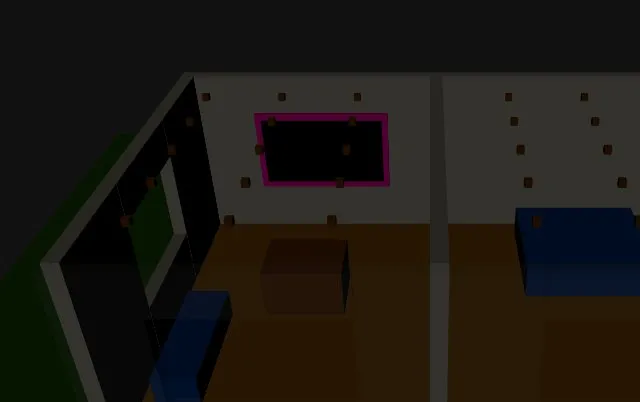
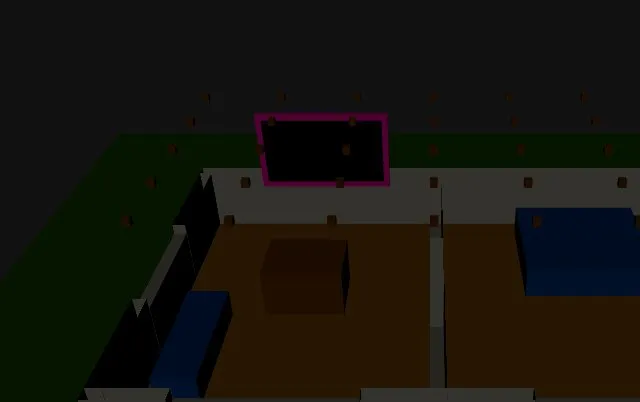
fade: the walls between the camera and the rooms fade as the view turns, in about half a second, and the others stay. A faded wall still casts its shadow, and a tap goes through it to what is behind it (a lamp). Seen straight from above no wall fades.walls_opacity(0.15) is how much of a faded wall shows, from 0 to 1.low: every wall is cut atwalls_height(100 cm) above the floor of its level, as a doll’s house. The inside of a cut wall shows, so that it looks solid from above, and its shadow stays whole. What is not a wall (a TV on a wall, the lamps under the ceiling) stays where it is.none(the default): whole walls.
The walls are the objects of walls_objects: wall_* by default, the walls of a model of Sweet Home 3D (wall_9_64), which names them so whatever the language of the program. A model made otherwise can give another name with *, or an object group <walls>. With fade each wall must be an object of its own: the card finds the side it faces from its shape (long and thin), also for a wall at an angle. A model with all the walls of a level in one object can use low.
walls: fadewalls_objects: wall_* # the defaultwalls_opacity: 0.15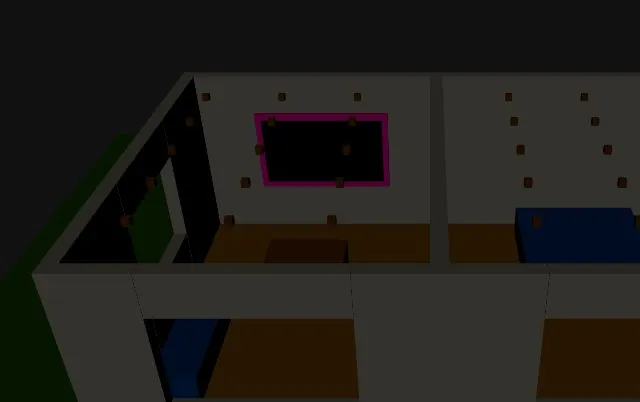 |
 |
 |
|---|---|---|
| Whole walls | fade: the wall in front fades |
low: cut at 1 m |