TV screen
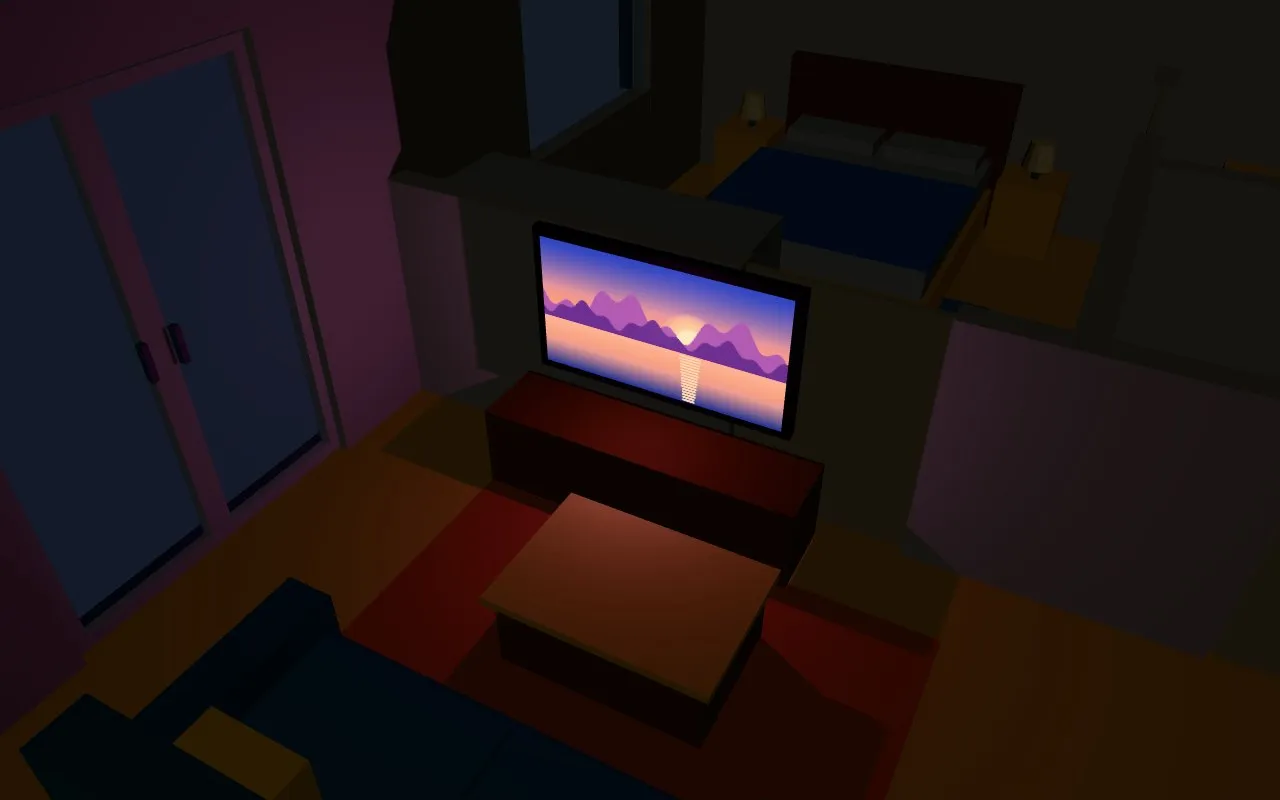
The picture of the entity (entity_picture: the cover of what a media player plays, a camera, an image entity), or the picture an attribute of it points to, shows on a screen or a frame of the model, and can light the room in front of it with the average colour of the picture. The screen is dark while the entity is off, standby, unavailable or unknown.
- entity: media_player.living_room_tv type3d: image object_id: TV_screen image: lumens: 2 lighting_lumens: 300 lighting_direction: positive_z| Option | Default | |
|---|---|---|
attribute |
entity_picture |
The attribute with the address of the picture (since 2.13.3, below). |
rotate |
0 |
Turns the picture, in degrees. |
mirror |
no |
yes: mirrors the picture. |
lumens |
none | The screen glows; without it the picture is lit by the room, as a printed picture. |
lighting_lumens |
none | A light in front of the screen, in the colour of the picture. |
lighting_direction |
positive_z |
Which way the screen faces: positive_z, negative_z, positive_x, negative_x, positive_y or negative_y. |
lighting_distance |
800 |
How far that light reaches, in cm. |
lighting_off_state |
off, standby, unavailable, unknown |
The states in which the light is off. |
lighting_shadow |
yes |
no: the light casts no shadow, and leaves the shadow for a lamp. |
A photo frame
Section titled “A photo frame”attribute names the attribute that holds the address of the picture, so any entity can show pictures on an object of the model: a frame on a wall, a poster, a screen. A template sensor can change the picture every few minutes, from a folder of /config/www:
template: - trigger: - platform: time_pattern minutes: '/5' sensor: - name: Photo frame state: 'on' attributes: picture: "/local/photos/{{ range(1, 21) | random }}.jpg"- entity: sensor.photo_frame type3d: image object_id: Living_frame image: attribute: pictureA new address puts the new picture on the frame; while the entity is off, unavailable or unknown the frame is dark. The other options work as for a TV: lumens makes it glow, lighting_lumens lights the room with its colour, rotate and mirror turn it.
The addresses of Home Assistant always work: /local/…, and the pictures it serves itself (media players, cameras, image entities). A picture from another site works only if that site lets other pages use it (CORS); otherwise the browser console says that it did not load.