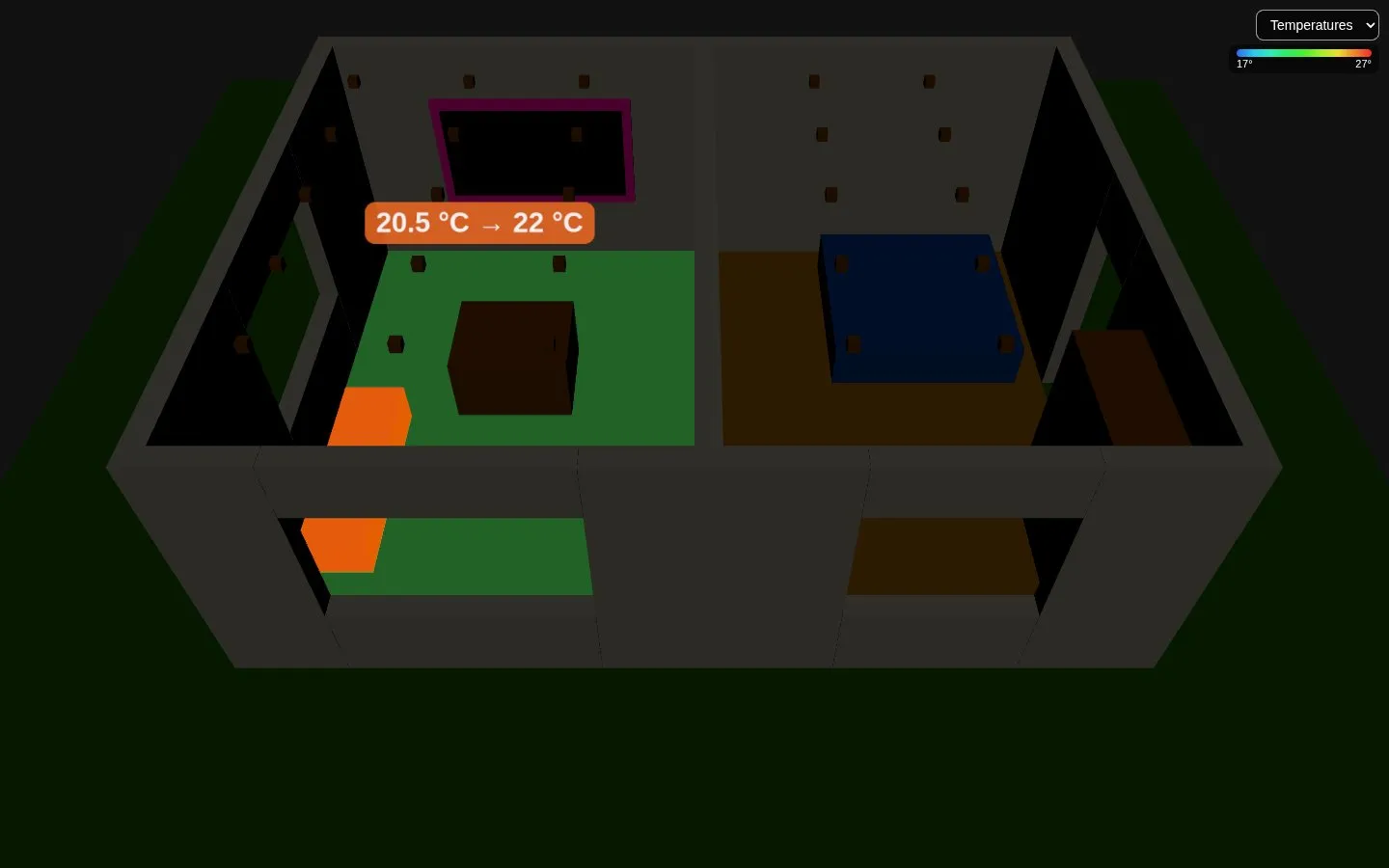
Heating and cooling
The objects of a heater or a cooler (a radiator, a split, a heated floor) glow orange while it heats, light blue while it cools, teal while it dries. A tap opens the entity, to change the target.
- A thermostat (
climate.*) says what it does inhvac_action; without it, its mode and its current and target temperatures tell it. - Any other entity heats while it is on: the switch of a boiler, the plug of an electric radiator.
mode: coolmakes it a cooler.
- entity: climate.living_room_valve # or switch.boiler type3d: climate object_id: radiator_living| Option | Default | |
|---|---|---|
heat_color |
#ff6a00 |
The glow while it heats. |
cool_color |
#38bdf8 |
The glow while it cools. |
glow |
0.8 |
How bright the glow is. |
mode |
heat |
For a switch or a plug: cool when on means cooling. |
A room can also show its thermostat: with climate in the room, the temperature map writes the target next to the temperature, 20.5 °C → 22 °C, on orange while it heats and on blue while it cools.